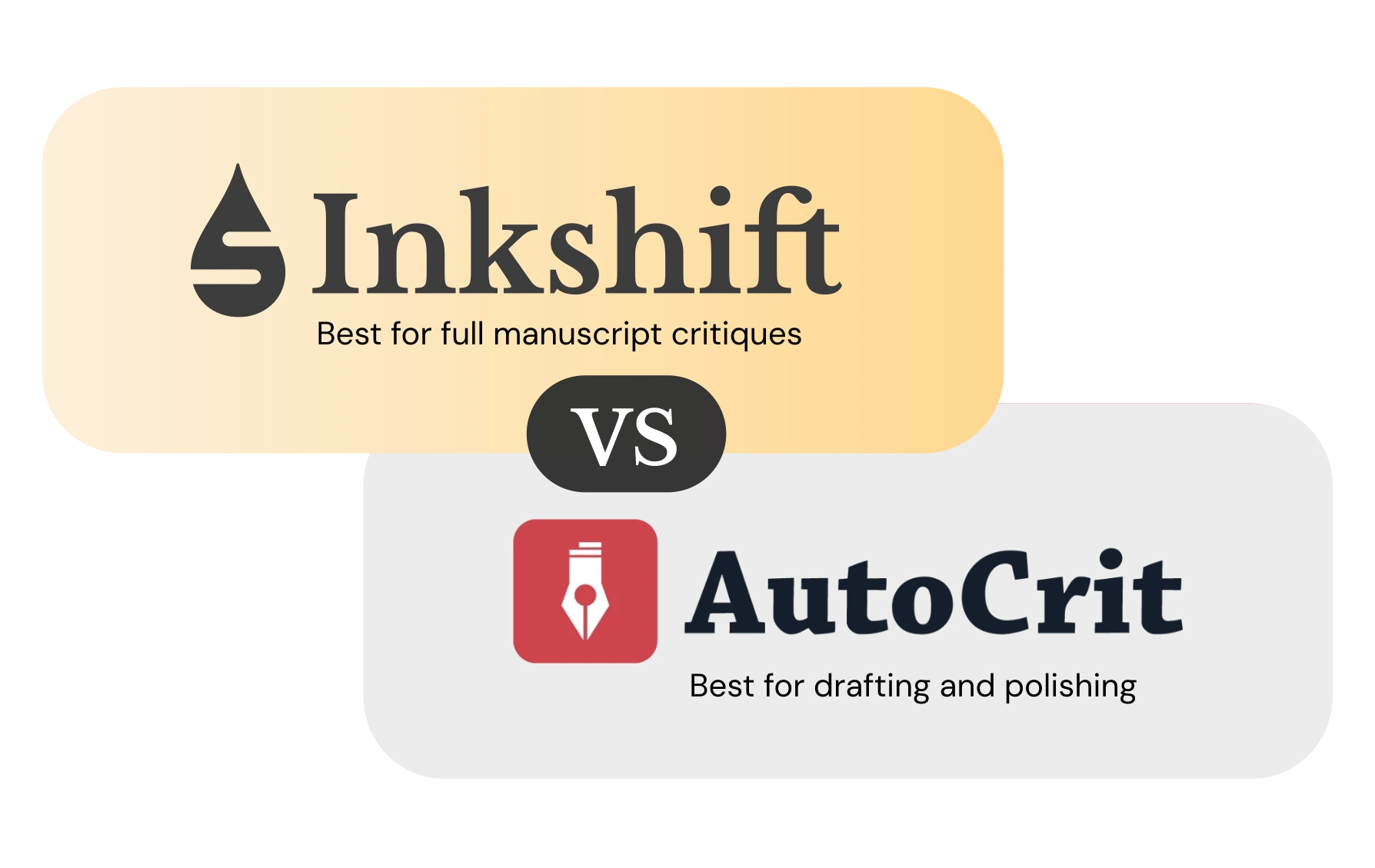
Is Inkshift an AutoCrit alternative?
Yes. Both tools are built for fiction writers, but they serve different stages of the process. Inkshift is built for diagnosing your manuscript and giving you guidance on where exactly to make revisions.
Quick guidance
Use Inkshift for full-draft diagnosis and revision priorities.
Use AutoCrit for real-time fiction metrics and genre benchmarking while you draft.
Which tool fits your stage?
Pick by core workflow: post-draft revision direction versus ongoing fiction reports and metrics while you draft.
Choose Inkshift for post-draft revision direction
- You have a finished or near-finished manuscript and need clear revision direction.
- You want a prioritized plan for what to revise first.
- You want markup notes tied to specific story issues.
Choose AutoCrit for real-time fiction metrics and genre benchmarking
- You are actively drafting and want real-time feedback on fiction-specific elements.
- You want to benchmark your pacing, dialogue, and style against published authors in your genre.
- You write genre fiction and want targeted metrics for that category.
Feature comparison
This is a stage-based comparison: manuscript diagnosis and revision planning vs ongoing fiction metrics and genre benchmarking while drafting.
| Category | Inkshift | AutoCrit |
|---|---|---|
| Best stage | Finished draft to revision planning | Active drafting with real-time fiction feedback |
| Primary output | Editorial critique with revision priorities | Fiction metrics reports and genre benchmarks |
| Core workflow | Diagnosis → priorities → revision plan/markup | Reports/tools → benchmarking → iterative improvement while drafting |
| Step-by-step revision plan | Yes, available | Not delivered as a structured revision sequence |
| Markup notes on specific passages | Yes, available | Different workflow using reports and metrics |
| Genre and author benchmarking | Not available | Yes, 100+ authors and genre comparisons included |
| Grammar and style checking | Yes, through separate Copyediting and Line Editing features | Included, with additional Grammarly integration support |
| Payment model | One-time purchase | Subscription |
Best workflows
Use the right tool at the right phase so you move from draft to revision without guesswork.
If you are drafting a new novel
1. Draft with AutoCrit for real-time genre feedback on pacing, dialogue, and style.
2. Complete your draft, then run Inkshift for a full manuscript critique.
3. Revise in priority order using the Inkshift critique and revision plan.
If you are revising an existing manuscript
1. Start with Inkshift to identify the highest-impact story-level issues.
2. Apply revisions using the plan and passage-level notes.
3. Choose Inkshift for a dedicated whole-book edit, or use AutoCrit's metrics to keep spot-checking the manuscript interactively.
Pricing comparison
Inkshift charges once per critique or whole-manuscript edit. AutoCrit is subscription-based with a free tier and a Pro plan for full access.
| Capability | Inkshift | AutoCrit |
|---|---|---|
| Fiction drafting tools (Pro) | N/A | $30/month |
| AI story analysis | $25 | Included in Pro ($30/month) |
| Revision plan | $35 | Not available |
| Developmental markup | $100 | Not available |
| Whole-manuscript copyedit | $20 | Editing tools included in subscription |
| Whole-manuscript line edit | $60 | Editing tools included in subscription |
| Starter option | Free 10k-word critique | Free limited tier |
Prices shown for transparency and may change. Check each tool's pricing page for current details.
FAQ
Bottom line
Choose Inkshift when you want a post-draft snapshot of what's working, what to fix first, and where to revise. Choose AutoCrit when your daily priority is drafting support, reports, and comparison-style feedback.