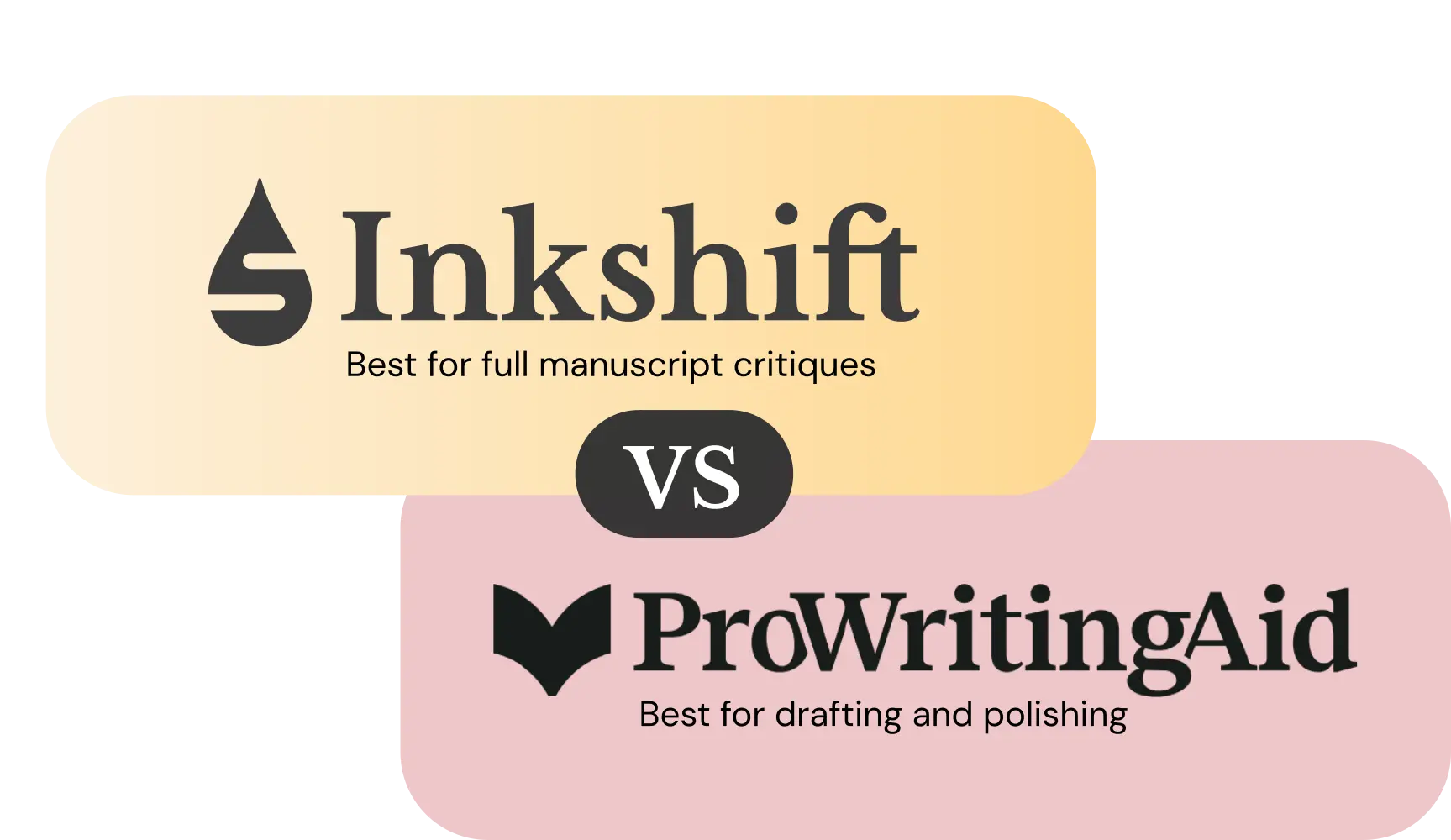
Is Inkshift a ProWritingAid alternative?
Yes, but the workflow is different. Both tools can help improve a manuscript, while Inkshift is purpose-built around post-draft feedback and revision.
Quick guidance
Use Inkshift for full-draft diagnosis and revision priorities.
Use ProWritingAid for grammar and style support while you draft.
Which tool fits your stage?
Pick by core workflow: post-draft revision direction versus grammar and style polish while you write.
Choose Inkshift for post-draft revision direction
- You have a finished or near-finished manuscript and need clear revision direction.
- You want a prioritized plan for what to revise first.
- You want markup notes tied to specific story issues.
Choose ProWritingAid for grammar and style while you draft
- You are still drafting and want ongoing grammar and style checks.
- You want reports and clear metrics while you draft.
- You need integrations with your existing writing tools.
Feature comparison
This is a stage-based comparison: manuscript diagnosis and revision planning vs grammar and style support while drafting.
| Category | Inkshift | ProWritingAid |
|---|---|---|
| Best stage | Finished draft to revision planning | Drafting and line-level polishing |
| Primary output | Editorial critique with revision priorities | Drafting support, line edits, and analysis reports |
| Manuscript analysis focus | Core product focus | Available, but not primary focus |
| Step-by-step revision plan | Yes, available | Not typically delivered as a full revision sequence |
| Markup notes on specific passages | Yes, available | Different workflow using reports and in-editor suggestions |
| Grammar and style checking | Yes, through separate Copyediting and Line Editing features | Yes, core strength |
| Pricing model | One-time critique or editing purchase | Subscription tiers with ongoing access |
Best workflows
Use the right tool at the right phase so you move from draft to revision without guesswork.
If you are drafting a new novel
1. Draft and polish sentences with ProWritingAid as you write.
2. Finish your draft, then run Inkshift for manuscript-level critique.
3. Revise in priority order using the Inkshift critique and plan.
If you are revising an existing manuscript
1. Start with Inkshift to identify the highest-impact story fixes.
2. Apply revisions using the plan and passage-level notes.
3. Choose Inkshift's Copyediting or Line Editing feature for a one-time whole-book pass, or ProWritingAid for ongoing interactive polish.
Pricing comparison
Inkshift charges once per critique or whole-manuscript edit. ProWritingAid is subscription-based, with Manuscript Analysis purchased separately as one-time add-ons.
| Capability | Inkshift | ProWritingAid |
|---|---|---|
| Premium drafting tools | N/A | $30/month |
| Higher limit drafting tools | N/A | $36/month |
| Manuscript critique | $25 | $50 |
| Revision plan | $35 | N/A |
| Developmental markup | $100 | N/A |
| Whole-manuscript copyedit | $20 | Ongoing editing tools with subscription |
| Whole-manuscript line edit | $60 | Ongoing editing tools with subscription |
| Starter option | Free 10k-word critique | Free drafting tools |
Prices shown for transparency and may change. Check each tool's pricing page for current details.
FAQ
Bottom line
Choose Inkshift if your draft is complete and you need clear manuscript-level direction on what to revise first. Choose ProWritingAid if you want continuous grammar and style support while drafting.